
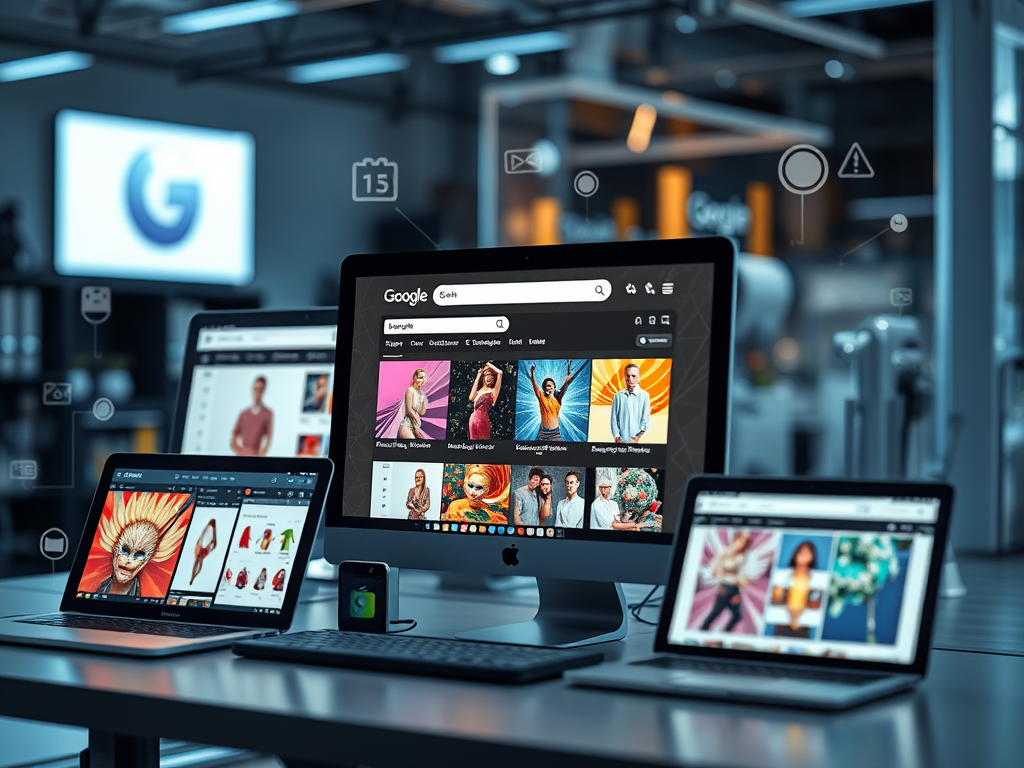
Google’s AI search is transforming how Shopify stores get discovered. Optimizing your Shopify images for Google’s AI search can make the difference between being buried and being featured at the top of AI-powered results.
At Zqdo, we help Shopify merchants boost visibility and conversions with high-performance image SEO. Here’s how to make your store AI-ready.
Why Image Optimization Matters for Google’s AI Search
Google’s AI now analyzes what’s inside your images — not just filenames or alt text. When your visuals are clear, fast, and semantically tagged, they’re more likely to appear in:
- AI-powered summaries (Search Generative Experience results)
- Google Shopping and Image Search
- “People also ask” and “related product” snippets
Unoptimized images, on the other hand, can slow your site, confuse Google’s algorithms, and hurt your rankings and conversions.
💡 Pro Tip: Our team offers complete Shopify image SEO audits — from file optimization to AI-driven tagging. Request an audit →
1. Use the Right File Formats & Sizes
Choose modern, efficient formats that Google favors:
- Use WebP or AVIF for fast loading and sharp detail.
- Keep images under 500 KB (ideally < 200 KB).
- Resize images to match your theme — avoid uploading 3000px photos for a 600px display.
Shopify supports automatic compression, but pre-optimized uploads perform far better in Core Web Vitals and AI-based rankings.
⚙️ Need help converting or bulk-optimizing your images? Let’s optimize your store.
2. Compress, Lazy Load & Serve Responsively
Fast sites rank higher — and users stay longer.
- Compress images with tools like TinyPNG or built-in Shopify apps.
- Lazy load below-the-fold images so they only appear when scrolled into view.
- Use
srcsetto deliver the right image size per device.
These small steps improve performance scores and make your pages easier for Google’s AI to interpret.
3. Write AI-Friendly Alt Text
Alt text remains a key signal for both accessibility and AI understanding.
Best Practices:
- Be specific: “Matte black insulated water bottle 24 oz.”
- Add keywords naturally — don’t stuff.
- Include color, angle, or context when relevant.
💬 We can generate optimized, keyword-rich alt text for your entire catalog. Talk to our team →
4. Reinforce Context Around Images
AI models read context — not just metadata.
Use relevant headings, captions, and nearby copy that describe what’s shown.
Ensure page titles, H1s, and alt tags align.
When your visuals and text tell the same story, Google’s AI gains confidence in your content’s quality and relevance.
Shopify Image SEO FAQ
Q1: How do I know if my images are optimized for Google’s AI search?
Run your site through Google PageSpeed Insights and inspect your alt text and structured data. You can also request a professional audit.
Q2: Does Shopify automatically optimize images?
Shopify compresses images but doesn’t write alt text or schema. Manual or app-based optimization is still essential.
Q3: What’s the best image size for Shopify products?
Use 2048 × 2048 px for square images or theme-specific dimensions. Always compress before uploading.
Q4: Can AI tools help optimize my images?
Yes — tools can auto-generate alt text and titles, but human review ensures accuracy and brand consistency.
Common Mistakes to Avoid
- Uploading uncompressed, oversized images
- Generic filenames (like
IMG_1234.jpg) - Missing or duplicated alt text
- Forgetting to update structured data when products change
Final Thoughts
Optimizing Shopify images for Google’s AI search is one of the fastest ways to improve visibility, site speed, and sales. As AI-powered results become the new normal, your visuals are just as critical as your keywords.
If you’re ready to future-proof your Shopify store for Google’s AI search:
👉 Request a Free Image SEO Audit
👉 Talk to a Shopify Optimization Expert
Your products deserve to be seen — by both customers and Google’s AI.


Leave a Reply